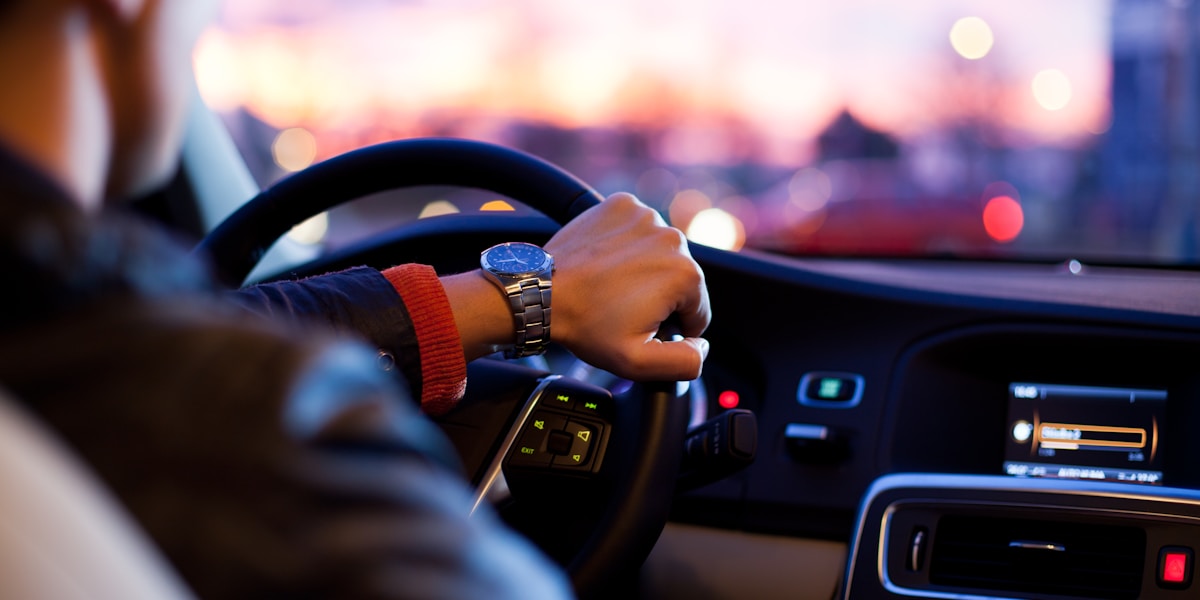
Night navigation should make the route easier to follow without competing with the road. Prepare the route in daylight when possible, reduce unnecessary screen brightness, and treat fatigue or poor visibility as reasons to stop—not problems an app can solve.
Plan the route before darkness
Confirm the destination entrance, parking area, and final turns before departure. If the route includes an unfamiliar rural road, mountain pass, construction zone, or unlit entrance, check the responsible transportation agency for closures and conditions. Download offline maps when coverage is uncertain.
Configure the display while parked
- Enable automatic dark or night mode rather than forcing a bright daytime map.
- Set brightness low enough to preserve the view outside but high enough to read at a glance.
- Use voice guidance so the screen is a secondary reference.
- Turn off pop-ups and notifications that cover upcoming turns.
- Secure the phone where it does not obstruct the windshield, instruments, or air bags.
Do not dim the screen so far that reading it takes longer. The goal is a legible display with minimal glare, not the darkest possible screen.
Use a simpler route when conditions justify it
A route that saves a few minutes may be a poor nighttime choice if it adds unlit local roads, difficult left turns, wildlife exposure, or many closely spaced maneuvers. Compare the turn list as well as the ETA. When two options are close, the better-lit and more familiar road may be the safer choice.
Recognize fatigue early
Repeated yawning, missed signs, drifting within the lane, or not remembering the last few miles are warnings to stop. Opening a window, turning up music, or relying on navigation prompts is not a substitute for rest. Review NHTSA's drowsy-driving guidance before an overnight or early-morning trip.
If you miss a turn
Continue until the app produces a legal alternative or until you can pull over safely. Do not stop in a travel lane, reverse on a shoulder, cut across lanes, or make a prohibited U-turn. Apple's navigation safety notice likewise advises drivers to compare map information with their surroundings and follow posted signs and current road conditions.
Night-trip check
- Headlights, windows, mirrors, and cameras are clean.
- The destination and entrance are verified.
- Dark mode, voice guidance, and notification controls are set.
- A fuel, charging, or rest stop is identified for a long trip.
- The driver is rested and has permission to stop if alertness declines.
Related guidance
- Set up hands-free navigation before moving
- Download and test an offline map
- Decline a reroute that does not look safe
Reviewed July 19, 2026. Follow local laws and the vehicle owner's manual when mounting or adjusting a device.