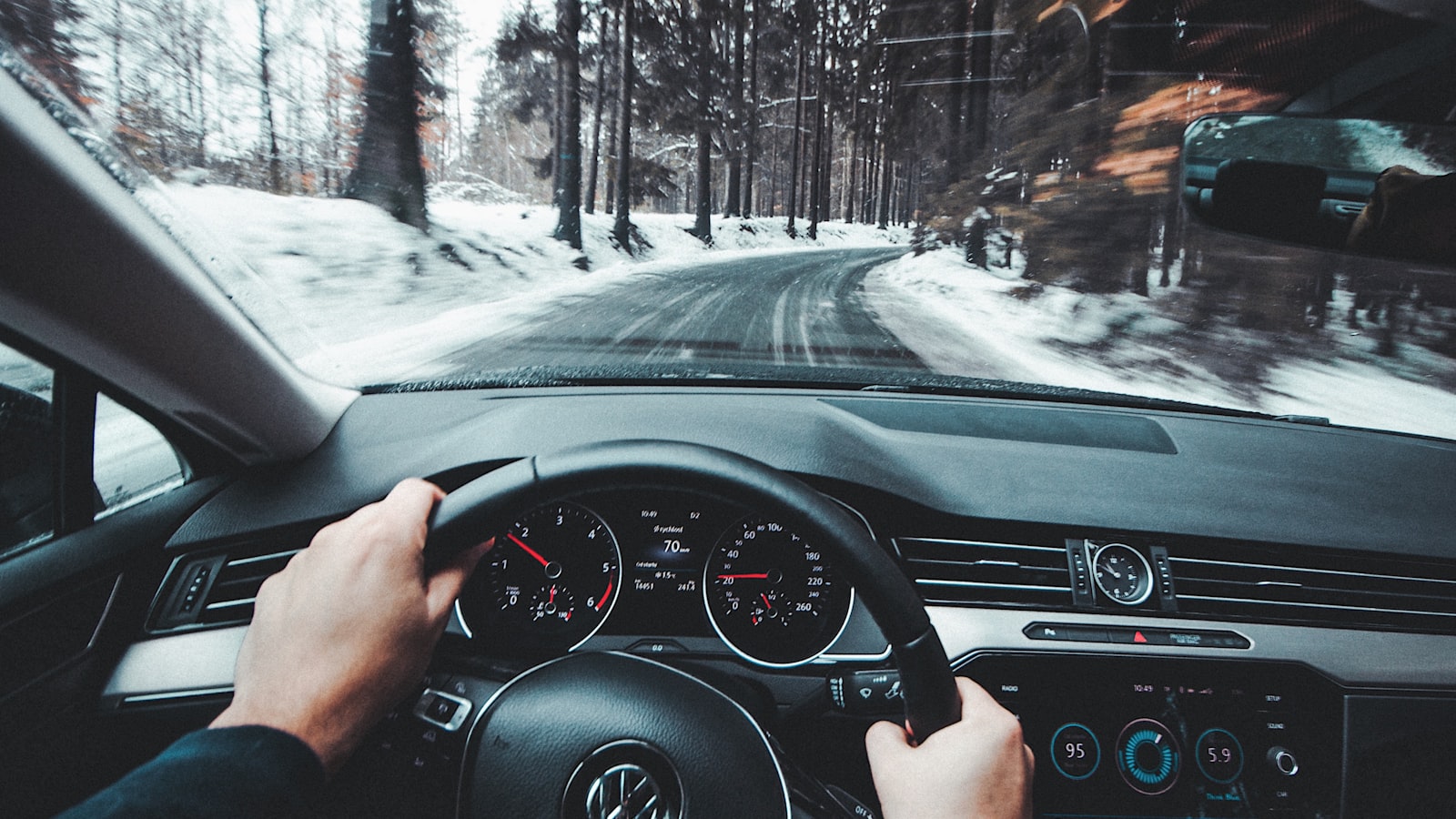
A navigation suggestion is not an instruction to enter a road that is closed, flooded, restricted, unmaintained, or unsafe for your vehicle. Posted signs, barriers, traffic officers, and visible road conditions take priority over the map.
When to reject a reroute
Do not continue when you encounter a road-closed sign, locked gate, private-road notice, floodwater, vehicle restriction, unsafe surface, or a maneuver prohibited by signs or markings. Map providers warn that navigation data can be unavailable, inaccurate, or incomplete; Apple's navigation safety information specifically tells drivers to resolve discrepancies using current conditions and posted signs.
A safe response in four steps
- Keep control of the vehicle. Slow smoothly when appropriate. Do not stop suddenly or make an abrupt U-turn.
- Pass the turn if necessary. Missing an instruction is safer than forcing a questionable maneuver.
- Reach a legal stopping place. Park before inspecting alternatives or changing avoidances.
- Choose a known public road. Prefer a route that returns to a maintained road even when its ETA is longer.
Clues that an alternate road needs extra scrutiny
- The road changes from a numbered highway to an unnamed local road.
- Satellite imagery shows an unpaved track, gate, seasonal crossing, or missing bridge.
- The route crosses land marked private, restricted, military, or permit-only.
- Weather alerts mention flooding, wildfire, snow, or debris in the area.
- The road is not shown by the relevant state, county, park, or forest authority.
These are prompts to verify the route, not proof that a road is unusable. Official road agencies and on-site signs are better authorities than map appearance alone.
Prepare for low-signal areas
Download the region, save the destination address, and note the last major junction before leaving coverage. For remote travel, check the land manager or transportation agency for seasonal closures and vehicle requirements. Tell a trusted person the intended route and expected arrival time.
Report the problem after the drive
Record the road name, direction of travel, nearest cross street, and exact problem while parked. Submit a correction to the map provider and, for a damaged or missing official sign, notify the responsible road agency. Do not move a barrier or enter restricted property to gather evidence.
Related guidance
- Handle routes through private roads or closed gates
- Submit a useful map correction
- Prepare navigation for travel abroad
Reviewed July 19, 2026. This guide cannot assess a road remotely; use official instructions and current conditions.