Most navigation-related driving risk comes from timing mistakes, not technology. If route setup happens while the vehicle is moving, attention is split exactly when road conditions require full focus.
Set the Route Before You Shift Into Drive
Enter your destination while parked, confirm the correct address, and scan the first several turns. This reduces the need to interact with the screen during the first critical minutes of a trip.
- Check the city and ZIP code when addresses are common.
- Verify destination pin placement, not just text match.
- Preview alternate routes in case conditions change.
Use Audio Guidance, Not Continuous Screen Reading
Audio instructions keep your eyes available for traffic flow, lane changes, pedestrians, and road signs. Screen glances should confirm information, not replace situational awareness.
Simple Rule
If a route adjustment needs more than a quick tap, wait until you can safely pull over.
Prepare the Vehicle Setup for Navigation
A stable mount, comfortable screen brightness, and clear audio output make a measurable difference. Small setup issues create repeated micro-distractions over the full drive.
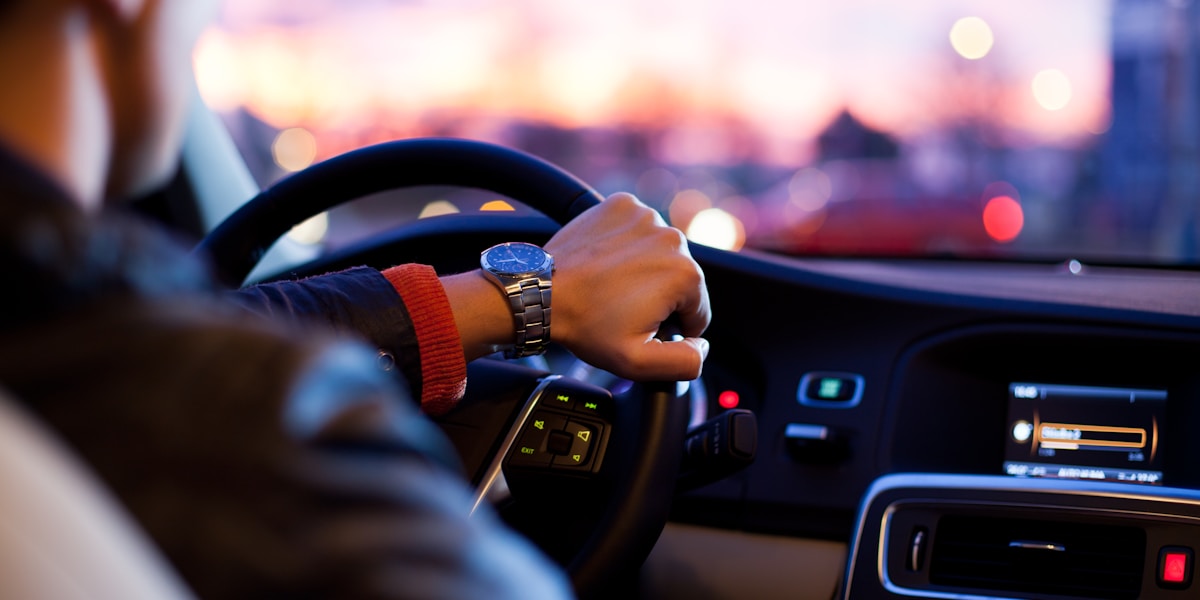
Night driving requires extra care. Bright displays can reduce contrast sensitivity and increase fatigue. Dim the screen and rely more on voice prompts in low-light conditions.
Plan for Mistakes Without Panic
Missing a turn should never trigger abrupt lane changes or hard braking. Continue safely, allow rerouting, and rejoin the route at the next practical opportunity. Calm correction is always better than risky recovery.
When Traveling With Passengers, Delegate
If someone else is in the vehicle, assign them route adjustments and stop lookups. Delegation keeps the driver focused on control and reduces mental load during dense traffic segments.
Practice Safer Planning Before Every Drive
Open the route planner, review your path, and confirm key turns before you leave.
Plan a Route