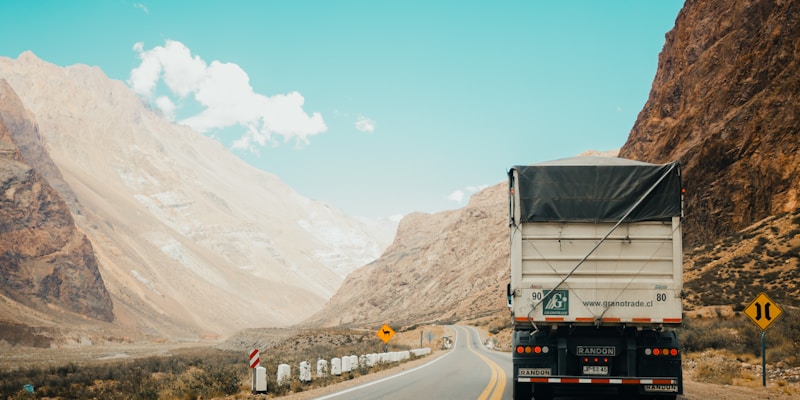

Drivers often over-trust visual distance on digital maps. Two routes can look similar at one zoom level yet differ significantly in time and mileage. Understanding map scale helps you avoid planning errors.
What Map Scale Actually Means
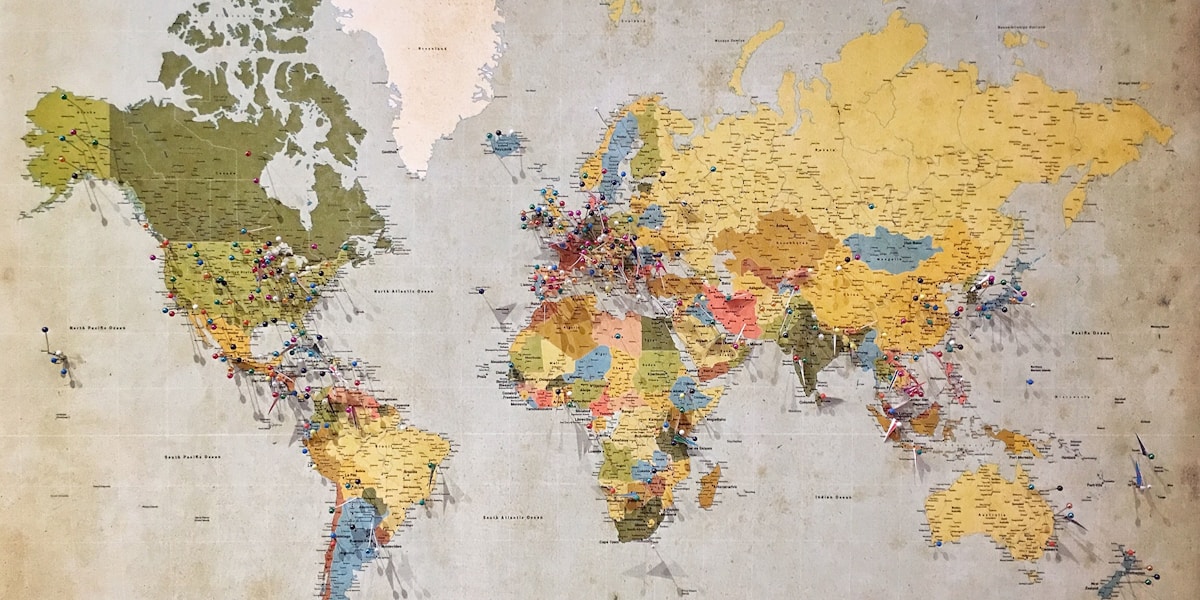
Scale is the relationship between map distance and real-world distance. At broad zoom levels, small screen movement can represent many miles. At street-level zoom, the same movement may represent only a few blocks.
Why Scale Matters During Route Comparison
When comparing route options, visual line length is not enough. Curvature, road class, and intersection density all influence travel time. Distance must be interpreted with road context, not shape alone.
Common Interpretation Mistakes
- Assuming a straighter route is always faster.
- Ignoring how urban intersections reduce effective speed.
- Comparing distance without checking elevation and road type.
Practical Rule
Use map scale to estimate distance, but use route details to estimate time. Distance and speed context should always be paired.
Build Better Distance Awareness
Before long drives, review your route at three zoom levels: regional, corridor, and local approach. This gives a stronger mental model of where major distance chunks occur and where delays are likely.
For multi-stop travel, check spacing between clusters at a wider zoom, then check individual stop access at a tighter zoom. This prevents both macro and micro planning errors.
Use Scale Awareness During Planning
Compare routes on our map tool and validate both mileage and practical travel conditions.
Compare Routes